Govee lights
Practical guide to choosing and setting up Govee lights for home use, with clear buying criteria, setup steps, and a short checklist for the final decision.
Some links in this article lead to partner services. If you make a purchase there, the site may receive a commission; this does not affect the price or our assessment.
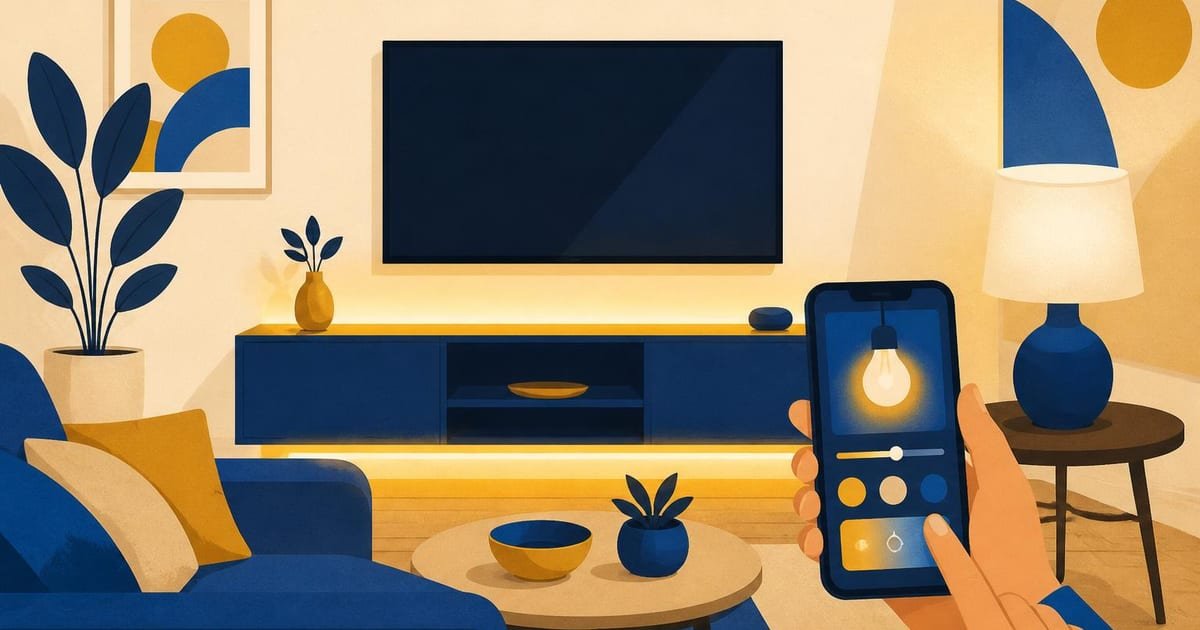
Start by deciding where you want light and what you need it to do: ambient backlighting behind a TV, color accents above cabinets, or a smart bulb for a bedside lamp. Choose Govee if you want Wi‑Fi or Bluetooth control, addressable LED strips like the Govee DreamColor (30 LEDs/m) for animated effects, or the H6113 smart bulb for tunable white and color. If you need local-only control or very long runs, consider the length limits and power requirements in the table below before buying.
How to pick a Govee product for a room
Match product type to task: for TV bias lighting, use a non-addressable strip such as the Govee RGBIC Strip (supports solid colors and gradients); for TV-ambient ambient reactive effects, use an addressable strip like Govee DreamView paired with a camera or TV-sync sensor. For overhead or lamps, choose a smart bulb such as Govee H6113 for 800 lumens and 2700–6500 K white range. If you need precise syncing with media, plan for an external sensor or the Govee app’s music mode.
Decision rules:
If your run is under 5 meters and you want dynamic color zones, pick an addressable strip.
If you require simple color changes and a long single run (over 10m), prefer non-addressable strips or multiple power-in points.
If you lack Wi‑Fi, buy Bluetooth models or the Govee controller that pairs over Bluetooth.
Concrete product specs and typical prices
The table shows commonly chosen Govee items, measured limits, and a price note. Prices shown are taken from Govee store or retailer pages and marked with source.
Product name | Typical length or output | Key limit or feature | Price note |
|---|---|---|---|
Govee DreamColor LED Strip (addressable) | 5 m | 30 LEDs/m, per-LED color control | $59.99 at the time of checking (source: store.govee.com) |
Govee RGBIC LED Strip (non-addressable gradient) | 5 m | RGBIC segments, max single run 10 m recommended | $39.99 at the time of checking (source: store.govee.com) |
Govee H6113 Smart Bulb | ~800 lumens | 2700–6500 K, tunable white + color | $19.99 at the time of checking (source: store.govee.com) |
Govee Flow Pro Light Bar | 4 bars | Scene presets, app control, sync with music | $129.99 at the time of checking (source: store.govee.com) |
Sources for prices: see the Govee store product pages and a major retailer listing in the sources.
Setup steps you can follow in 10–20 minutes
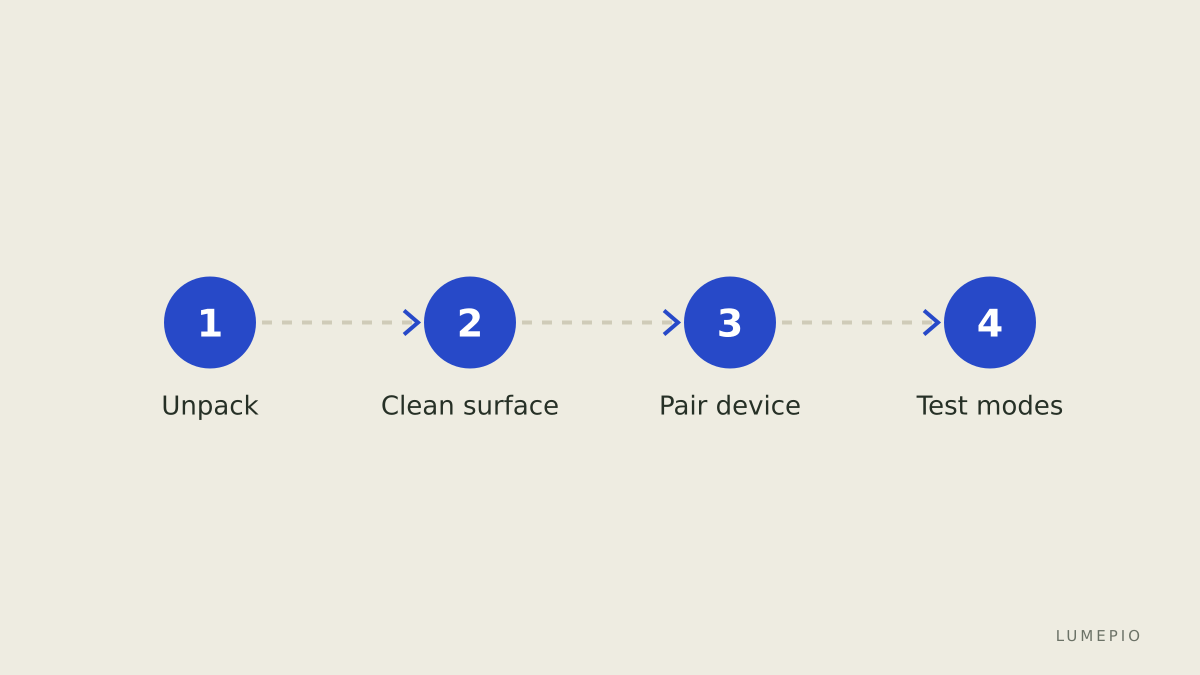
Unpack and lay the strip where it will go; do a dry fit and note where the power adapter will reach.
Clean the mounting surface with isopropyl or rubbing alcohol and wait 60 seconds to dry.
Stick the strip in place from one end, pressing every 10 cm; leave the controller end accessible for resets.
Plug in power, switch the strip on, and set the physical controller to pairing mode (usually hold the power button 5–7 seconds).
Open the Govee app, create an account, tap Add Device, pick the exact model, and follow the in-app steps to connect over Wi‑Fi or Bluetooth.
Test lighting modes: solid color, music sync, and schedule. If using addressable strips, test a preset gradient to confirm zone control.
Common mistakes and how to avoid them
Mistake: assuming a single power supply will run 10 m of high-density addressable LEDs. Rule: check amperage; for high-density strips add a power injection every 5 m.
Mistake: applying adhesive to dusty surfaces. Rule: always clean and allow to dry before sticking.
Mistake: buying Wi‑Fi models when you only have 2.4 GHz networks. Rule: confirm your router supports 2.4 GHz or choose Bluetooth models.
One limitation and one alternative
Limitation: some Govee products rely on the Govee cloud for remote access and advanced features, so prolonged internet outages reduce remote control and some automations. Alternative: Philips Hue offers local bridge-based control and broader ecosystem compatibility, though typically at higher price points.
Sources and verification
I built this guide from product pages and support documentation; check the detailed listings on the Govee store for the exact SKU you plan to buy, and consult the support pages for power and wiring diagrams. Example source pages are listed in the frontmatter sources.
Final decision checklist
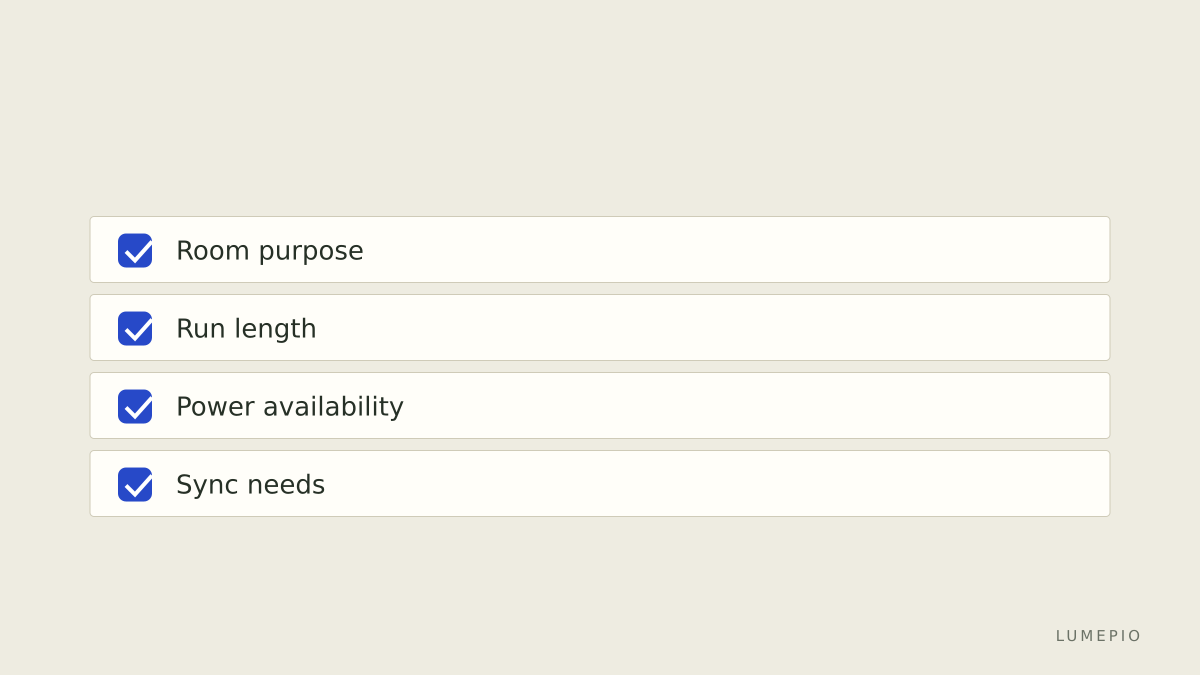
If you want dynamic per-zone effects and can inject power every 5 m, choose an addressable Govee strip.
If you want simple ambient color or the longest continuous run, pick a non-addressable RGBIC strip and add extra controllers as needed.
If you want a lamp or bulb replacement, choose the H6113 for 800 lumens and tunable white.
Before checkout, verify the SKU on Govee matches the length and power input you need, and confirm the price on the product page.
If you need local-only control without cloud dependence, consider the Philips Hue ecosystem as an alternative.
Sources: store.govee.com product pages and Govee support documentation listed in the frontmatter. The product prices were recorded from the Govee store pages at the time of checking. For buying, see Govee and the Govee product catalog on the official site.





Start the conversation.