Italiarail app – 5 checks before you book (US travelers)
Quick checklist for the italiarail app: how fees, ticket types, seat reservations, regional validation and refunds work, plus a comparison table and concrete recommendation.

Some links in this article lead to partner services. If you make a purchase there, the site may receive a commission; this does not affect the price or our assessment.
Use the italiarail app to check schedules, compare fares and buy mobile tickets; Italiarail lists a booking fee on its help pages and a worked example shows a €3.90 service fee on a sample reservation (see Italiarail FAQ). The app issues e-tickets for high-speed trains and supports seat reservations for Frecce and Italo, while regional trains often require a separate paper validation step; below you get a comparison table, five concrete pre-book checks, and a short recommendation.
In short – key takeaways
Quick wins – check the fare type, service fee, and refund rule before paying; Italiarail lists fees and rules on its help pages and in the booking flow.
Seat rules – reserve seats on Frecce and Italo when comfort matters; Italiarail (package holidays) – faster seat booking works for tight connections.
Regional trains – bring a validated ticket or check station validators; regional tickets may not be valid as mobile-only.
Refunds – non-flex fares have limited changes; check the fare conditions displayed in the app and on the Italiarail FAQ.
Compare alternatives – Italiarail (package holidays) gives convenience; if you want the cheapest regional fares, buy at the operator’s site like Trenitalia.
How do fees and total cost appear in the italiarail app
The italiarail app shows a service fee in the checkout screen and links to its help pages that explain the charge; a sample help entry lists a service fee example of €3.90 on an illustrative booking (source: Italiarail FAQ). Always expand the fare breakdown before you confirm so you see base fare, reservation cost, and service fee. For a real comparison, copy the exact route and date into both the app and the train operator site and compare totals; if the operator price is lower by more than the service fee, buy direct.
Which ticket types the italiarail app sells and when to reserve a seat
Italiarail sells operator tickets for high-speed trains (Le Frecce, Italo) and regional services where available; for high-speed trains, seat reservation is included in the fare or offered as an option and the app shows the carriage and seat class. If you travel during peak hours or with luggage, choose a reserved seat on Frecciarossa or Italo through the italiarail flow; for short regional hops, skip reservation but validate your ticket at the station validators. If you need guaranteed flexibility, pick a flexible fare (marked in the app with refundable/changeable rules) and note the specific time limits shown on the fare tile.
Comparison table – who the italiarail app suits, key number, and the main drawback
Option | Who it suits | Key number | Main drawback |
|---|---|---|---|
Italiarail app – packaged booking and convenience | Travelers who want one app for routes, seats and hotels | Service fee example €3.90 per booking (Italiarail FAQ) | Extra service fee versus operator site |
Trenitalia website or app | Price-sensitive travelers buying regional or operator direct fares | Often lower web-only promos (operator dependent) | Less convenient multi-operator booking |
Italo website | Travelers on Italo high-speed routes | Direct offers and loyalty promos | Only covers Italo routes |
The table gives a concrete fee example from Italiarail’s help pages and a practical drawback for each option. Use Italiarail (package holidays) – faster seat booking when you value single checkout for trains and hotels.
How to avoid the common booking traps in the italiarail app
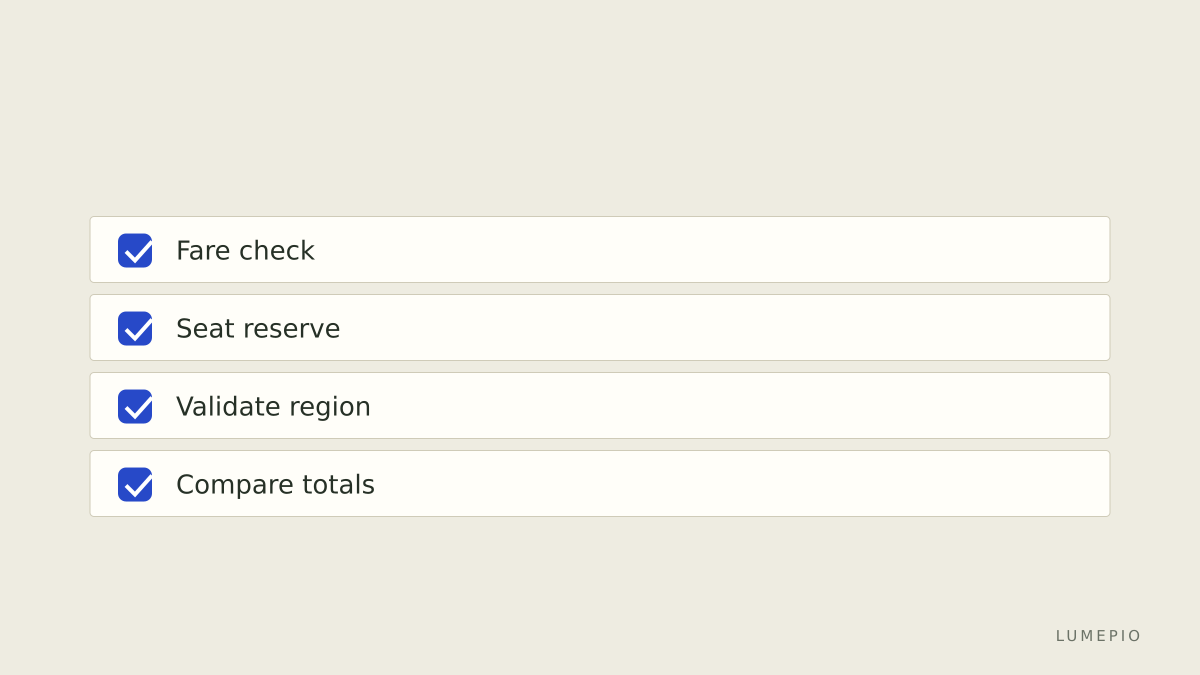
Always open the fare conditions tile before you pay and read the refund/change window – italiarail shows the condition per fare. If a ticket is non-refundable but changeable with a fee, the app will list the allowed change period. For regional trains, check whether the ticket is stamped as a mobile e-ticket or an operator-specific regional ticket; if the app issues a PDF voucher only, confirm whether station validation is still required. If the itinerary crosses private operators, verify the seat reservation applies for each leg; the italiarail booking flow lists operator names per segment.
When to buy on the italiarail app and when to buy direct
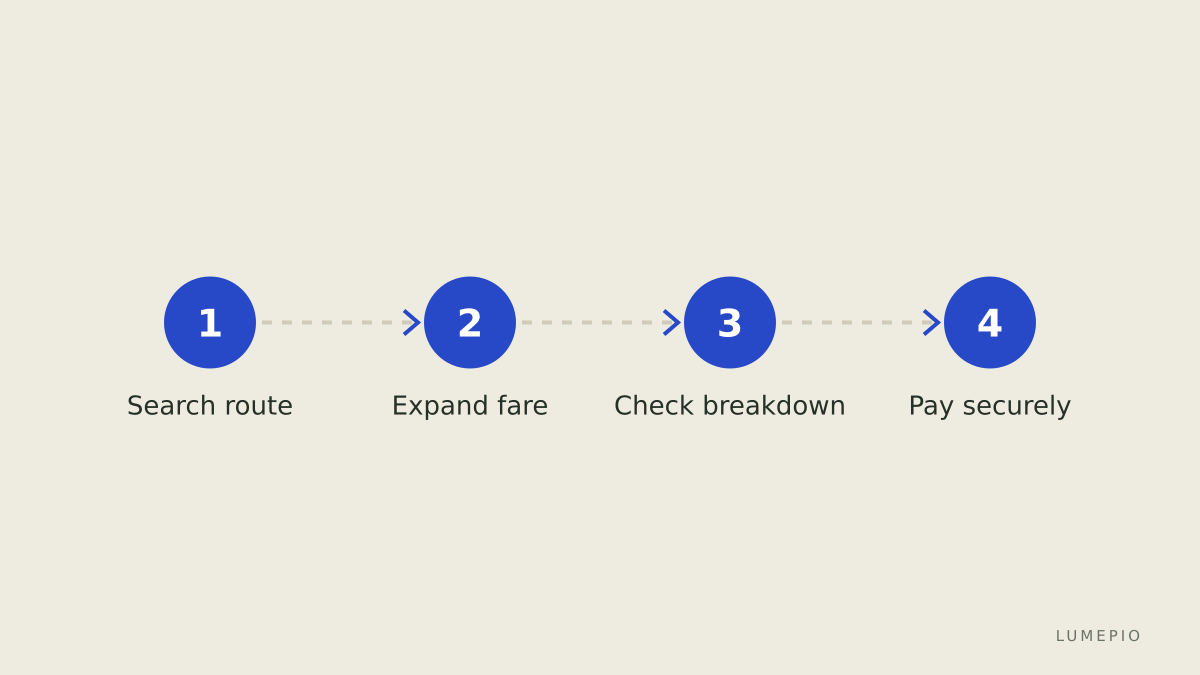
If you need multi-operator itineraries, one checkout for hotels and trains, or English-language support, buy on italiarail; the convenience and combined itinerary view justify the service fee for many travelers. If you only travel on one operator and want the absolute lowest fare or operator-only promotions, buy on the operator site such as Trenitalia, which sometimes offers web-only promos. Italiarail’s limitation is the extra booking fee and occasionally different refund windows; an honest alternative is buying directly from Trenitalia for purely regional/Trenitalia itineraries.
Booking checklist – 5 steps to complete in the italiarail app
Confirm route and times, then tap the fare tile and expand the fare conditions.
Check the fare breakdown for the service fee and reservation cost; note the example service fee on Italiarail’s help pages.
Reserve a seat for high-speed trains if you have luggage or travel during peak hours.
For regional legs, confirm whether you must validate a paper ticket at station validators.
Save the booking confirmation PDF and screenshot the mobile ticket; keep station validator photos if you used them.
FAQ
Q: Does the italiarail app issue e-tickets accepted on all Italian trains? A: It issues e-tickets for many high-speed and long-distance trains, but regional operator rules sometimes require paper validation or operator-issued regional tickets; check the operator listed on your booking confirmation and the italiarail fare note.
Q: How much is the italiarail service fee? A: Italiarail lists service fees in its help pages and shows the exact fee in the checkout breakdown; a worked example on the FAQ shows a €3.90 service fee on a sample booking (source: Italiarail FAQ).
Q: Can I change or cancel a ticket bought through italiarail? A: Change and cancellation depend on the fare type and the operator rules shown in the app’s fare conditions; flexible fares allow changes within the displayed time window, while non-refundable fares show limited options.
Q: Is customer support available in English on italiarail? A: Yes, italiarail provides English-language support and an FAQ section; for operator-specific issues, you may need to contact Trenitalia or Italo directly.
Q: Should I book hotels through italiarail when buying train tickets? A: Bundling can be convenient if you want one checkout and combined itineraries; compare the combined price to standalone hotel booking sites before committing.
Decision rule – one clear step to act on now If your trip uses multiple operators or you want a single itinerary and English support, buy on Italiarail (package holidays) – faster seat booking; if you travel only regional routes and aim for the lowest fare, buy directly from the operator such as Trenitalia.
Sources
https://www.italiarail.com/
https://www.italiarail.com/en/help/faq
https://www.trenitalia.com/en.html






Start the conversation.