Pdfelement wondershare – 3 checks before you buy (solo use)
A concrete guide to pick PDFelement for daily PDF tasks. Check the 30-day money-back guarantee, OCR availability, and compatibility before you purchase.

Some links in this article lead to partner services. If you make a purchase there, the site may receive a commission; this does not affect the price or our assessment.
PDFelement by Wondershare is a practical choice for daily PDF editing for solo users; its paid plans include a 30-day money-back guarantee, which protects short-term purchases (source: https://pdf.wondershare.com/pdfelement/pricing.html). If you need OCR to edit scanned pages, PDFelement lists OCR as a Pro feature on its features page (source: https://pdf.wondershare.com/pdfelement/features.html). Below you get a compact comparison table, three common traps, and a short checklist to decide which plan to pick.
In short – key takeaways
Trial and refund – PDFelement offers a 30-day money-back guarantee; try essential edits and request a refund if it fails your workflow PDFelement Pro annual plan.
OCR is a paid feature – choose the Pro plan if you scan invoices or printed contracts; the Standard plan lacks OCR on the features list (source: https://pdf.wondershare.com/pdfelement/features.html).
Compatibility check – PDFelement supports Windows, macOS and mobile apps; confirm the installer size and supported OS version on the download page before you install.
Alternative tradeoff – Adobe Acrobat has broader cloud collaboration features but costs more and enforces subscription checks; consider Acrobat if you need SharePoint or Adobe Sign integrations.
How does PDFelement compare on price, who should buy it, and one key limitation?
The table below lists practical options, who they suit, a single concrete number or rule you should know, and the main drawback you will face when choosing that option.
Option | Who it suits | Key number or rule | Main drawback |
|---|---|---|---|
PDFelement Standard (single user) | Solo editors who only fill forms and annotate | 30-day money-back guarantee (refund policy) | No OCR for scanned documents (feature reserved for Pro) |
PDFelement Pro (single user) | Users who edit scanned PDFs and want advanced conversion | OCR available as a Pro feature | Some advanced cloud workflows are limited compared with larger suites |
Adobe Acrobat (subscription) | Teams needing Adobe Sign and enterprise integrations | Deep cloud integration and e-sign features | Higher recurring cost and stricter subscription model |
Each "Key number or rule" is chosen to map directly to a purchase decision: if you need OCR, pick Pro; if you only annotate, Standard may suffice. The PDFelement entries reference the product features and refund policy on the official pages (sources above). PDFelement Pro annual plan appears in the table as the Pro option to consider.
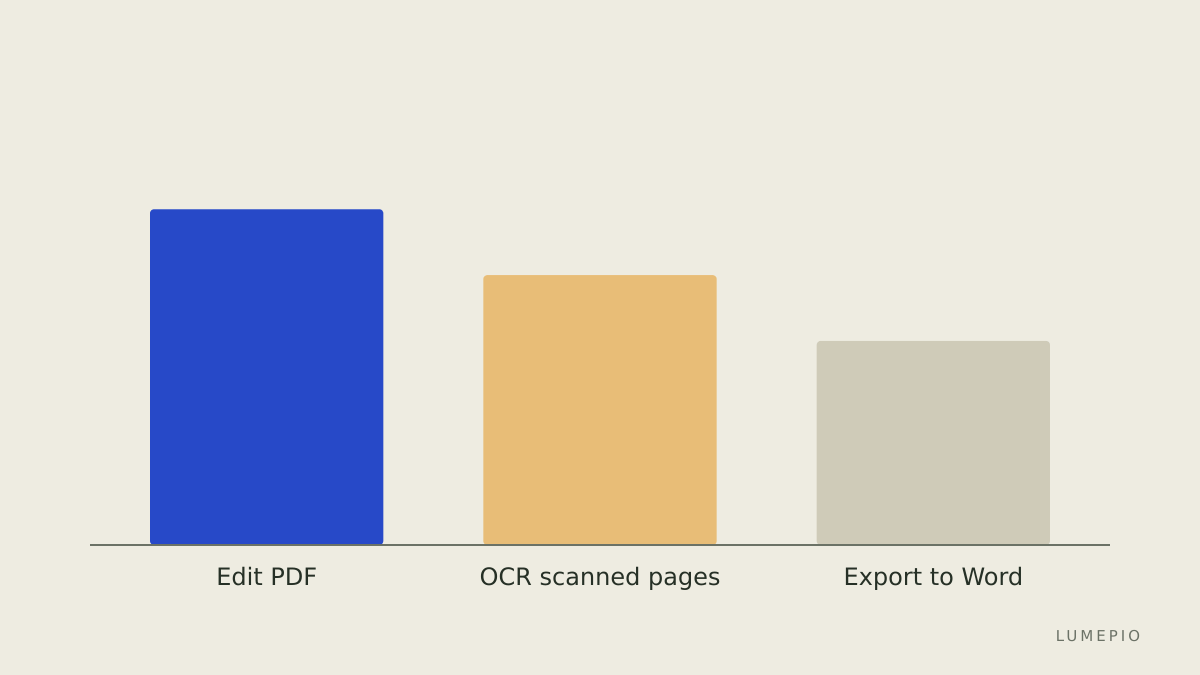
Which daily tasks does PDFelement handle well and when should you avoid it?
PDFelement handles common daily tasks such as filling forms, editing text, annotating, and basic conversion; the features page lists text editing, form filling, and OCR under the Pro feature set (source: https://pdf.wondershare.com/pdfelement/features.html). If your daily task is turning a scanned contract into an editable Word file, you need PDFelement Pro because OCR is not part of the Standard plan. If your daily task is collaborative review with tracked changes stored in cloud document libraries like SharePoint, consider Adobe Acrobat instead, because PDFelement focuses more on local editing and lightweight cloud options.
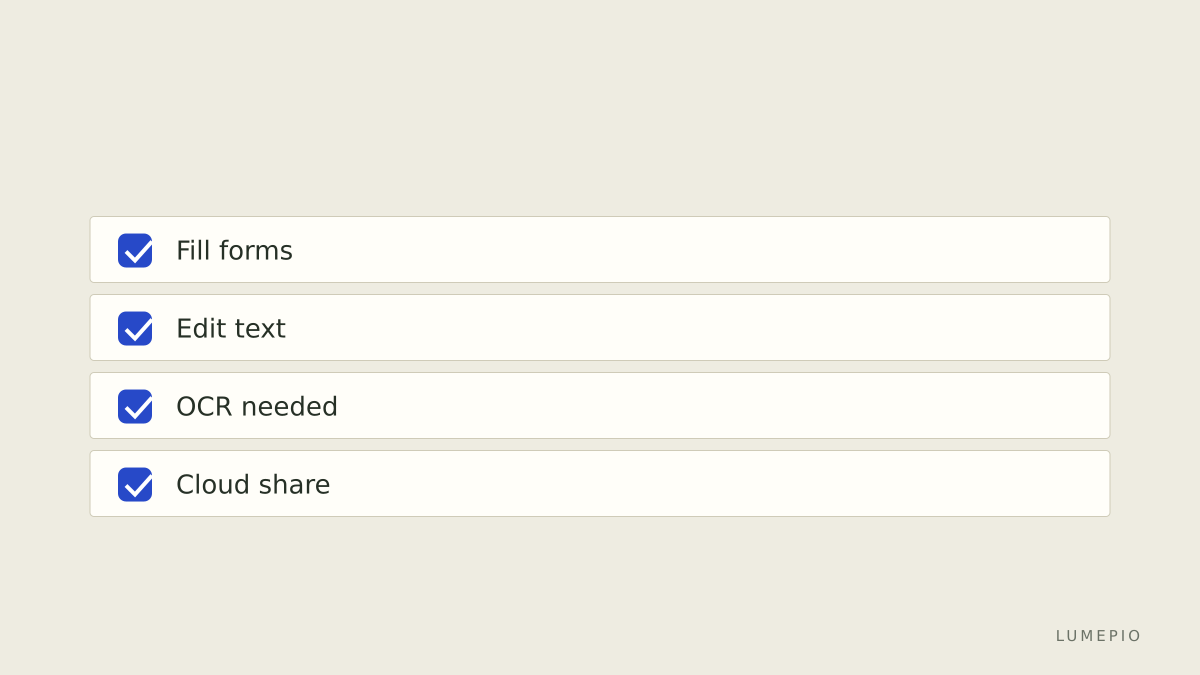
How to choose between Standard and Pro for a week of heavy scanning?
List the documents you must process: count scanned pages and note languages. If you expect more than 50 scanned pages in a week or need non-English OCR, allocate for Pro; PDFelement specifies OCR as a Pro capability (source: https://pdf.wondershare.com/pdfelement/features.html).
Try the Standard trial to confirm text and form workflows, then test OCR on a short sample with the Pro trial or within the 30-day refund window. Use the 30-day money-back guarantee to de-risk a short-term purchase (source: https://pdf.wondershare.com/pdfelement/pricing.html).
If you only need one-off conversions and prefer not to buy software, consider a per-document service or ask a coworker with Acrobat; for repeated scanning and editing, the Pro plan is usually more economical.
What are the common traps when choosing PDFelement?
Assuming OCR is included: many users find OCR is Pro-only; verify on the product features page before purchase (source: https://pdf.wondershare.com/pdfelement/features.html).
Ignoring device limits: confirm whether your license is single-device or allows multiple activations on the download/pricing pages before buying.
Overlooking integrations: if you require deep cloud automation or Adobe Sign, PDFelement lacks the same level of enterprise integrations; Adobe Acrobat is the common alternative.
Practical checklist to follow before you buy
Confirm OCR need: if yes, plan on Pro.
Count scanned pages per month: if >100, prefer a Pro annual plan for cost efficiency.
Verify platform support for your OS version on the download page.
Use the 30-day money-back guarantee to test full workflows.
FAQ
Q: Does PDFelement support OCR? A: Yes, OCR is available in PDFelement Pro according to the official features list; choose Pro if you regularly convert scanned documents to editable text (source: https://pdf.wondershare.com/pdfelement/features.html).
Q: Is there a refund or trial period? A: PDFelement offers a 30-day money-back guarantee on paid plans, which you can use to confirm the software fits your daily task before committing (source: https://pdf.wondershare.com/pdfelement/pricing.html).
Q: Which plan should a solo freelancer pick for invoice processing? A: Pick PDFelement Pro if you need OCR and batch conversion for invoices; if you only annotate and sign existing digital PDFs, the Standard plan suffices.
Q: What is one honest limitation of PDFelement? A: PDFelement focuses on local editing and basic cloud features; it lacks the deep Adobe ecosystem integrations such as Adobe Sign and advanced enterprise connectors that Acrobat provides.
Q: Can I use PDFelement on mobile? A: Yes, PDFelement offers mobile apps; confirm the app's feature set for OCR and editing on the features page before relying on mobile-only workflows (source: https://pdf.wondershare.com/pdfelement/features.html).
Decision rule – one sentence If you edit scanned documents regularly, pick PDFelement Pro; if your tasks are annotation and form-filling only, choose Standard and verify the 30-day money-back guarantee first PDFelement Pro annual plan.
Sources
https://pdf.wondershare.com/pdfelement/pricing.html
https://pdf.wondershare.com/pdfelement/features.html
https://www.adobe.com/acrobat/pricing.html






Start the conversation.